
Your own device
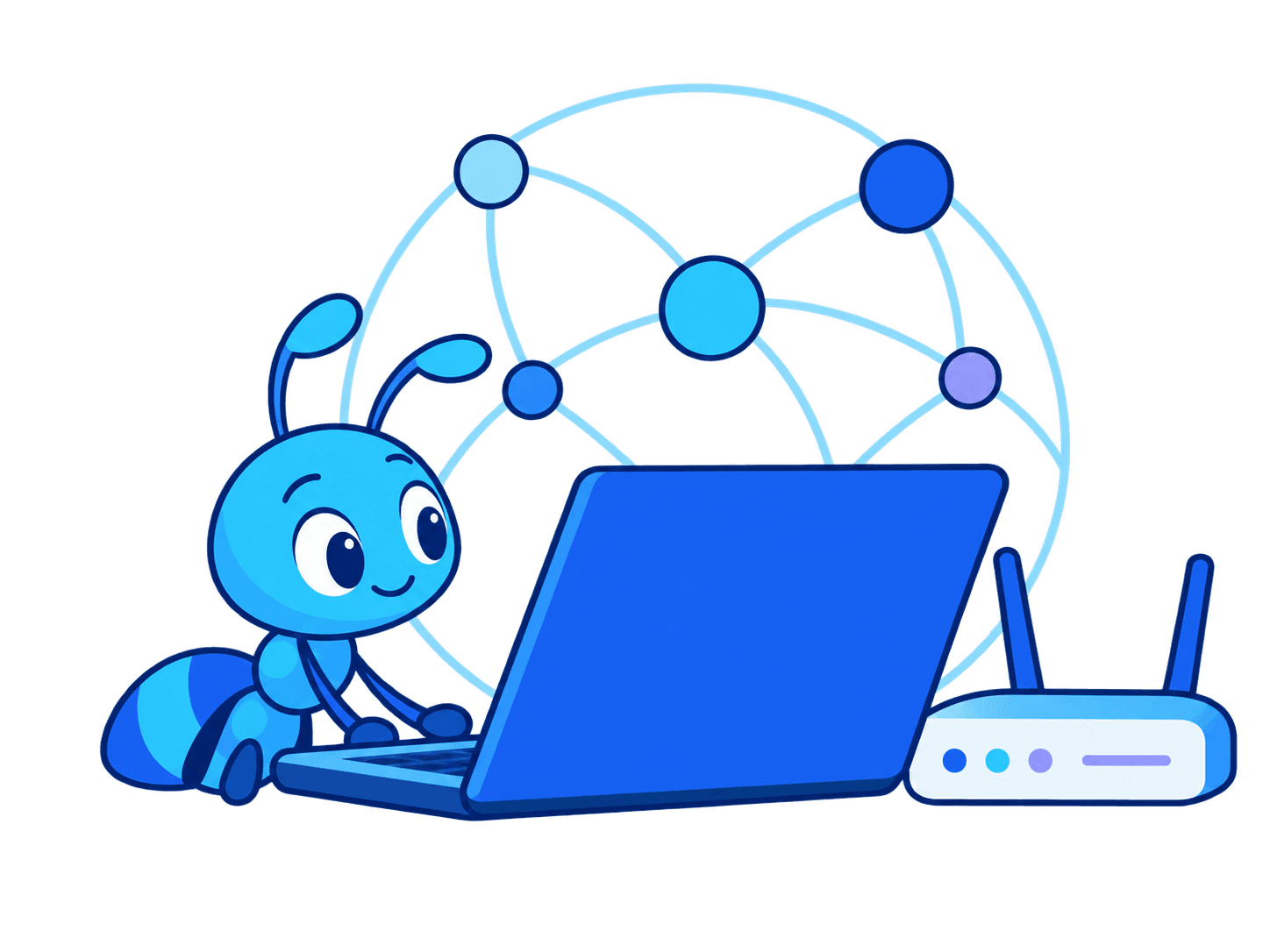
Start with a supported device you control.
- Check available downloads
- Choose when the node is available
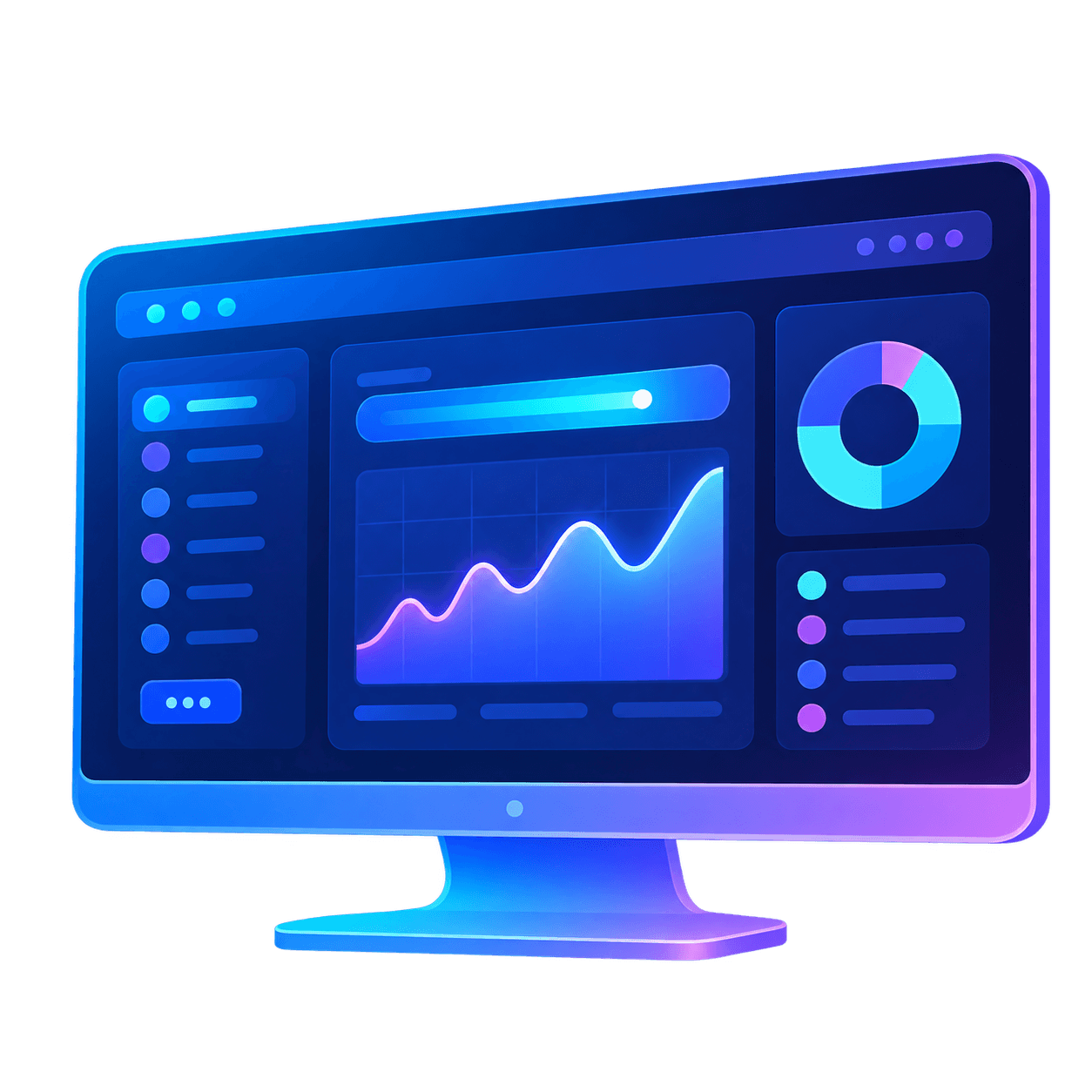
- View activity in your dashboard
Run AntGain on your device to share the bandwidth you are not using.
How it works
Share spare internet capacity through AntGain in four clear steps.
Download and install AntGain on a supported device.
Run it when you want the node available.
Eligible capacity can enter the network.
Check usage and earnings in your account.
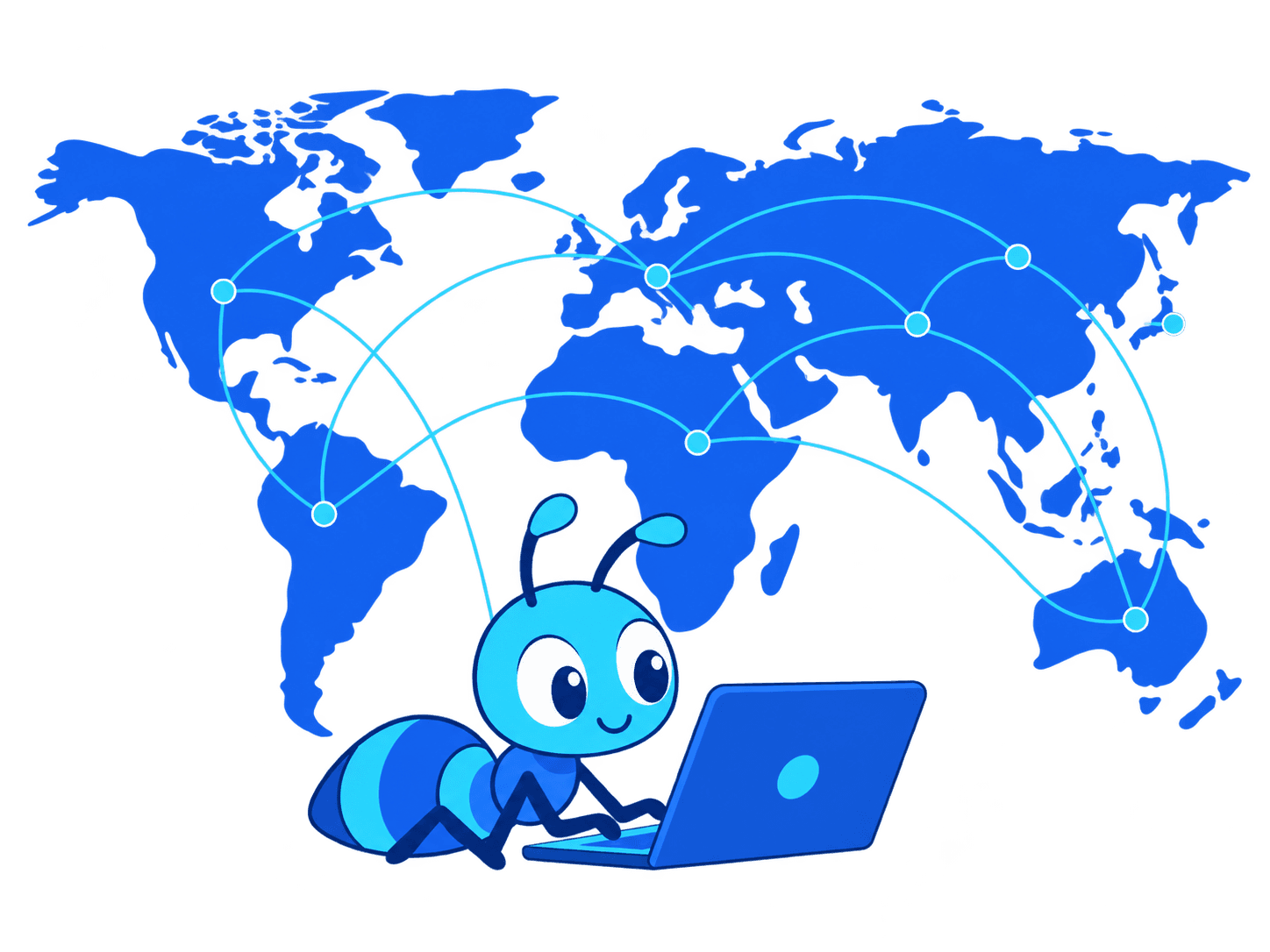
Illustration of the steps to connect a node and share bandwidth.
Connect your own device or discuss a larger deployment with our provider team.
Start with a supported device you control.
Bring larger-scale capacity through the provider program.
Before you connect
Choose the right client, decide when to share, and view usage and earnings in your dashboard.
Current release
Check the current download page for supported platforms and installation requirements.
View downloadsNode control
Use a device you are allowed to share and choose when the node runs.
View safety guidanceYour account
Check your account for recorded usage and earnings.
Open your dashboardExplore recent regional trends when enough aggregate data is available. Individual devices, account records, and payout details remain private.
Explore AntGain
Learn how AntGain works, what to consider before sharing, and where to get help.
Product flow
Learn how to connect a node and where to view your activity and earnings.
See how it worksSecurity
Review safety, consent, and network-use guidance before running a node.
Review securitySupport
Find installation help, connection troubleshooting, and answers to account questions.
Open Help CenterFrequently asked
Quick answers about getting started, network safety, earnings and node controls.
Download a client for your device, or contact the provider team for a larger deployment. Traffic and earnings can vary.